geom_time_line() connects observations in order of the time variable, similar to
ggplot2::geom_line(), but with special handling for time zones, gaps and
duplicated values.
The geometry helps to visualise time with changing time offsets provided by the
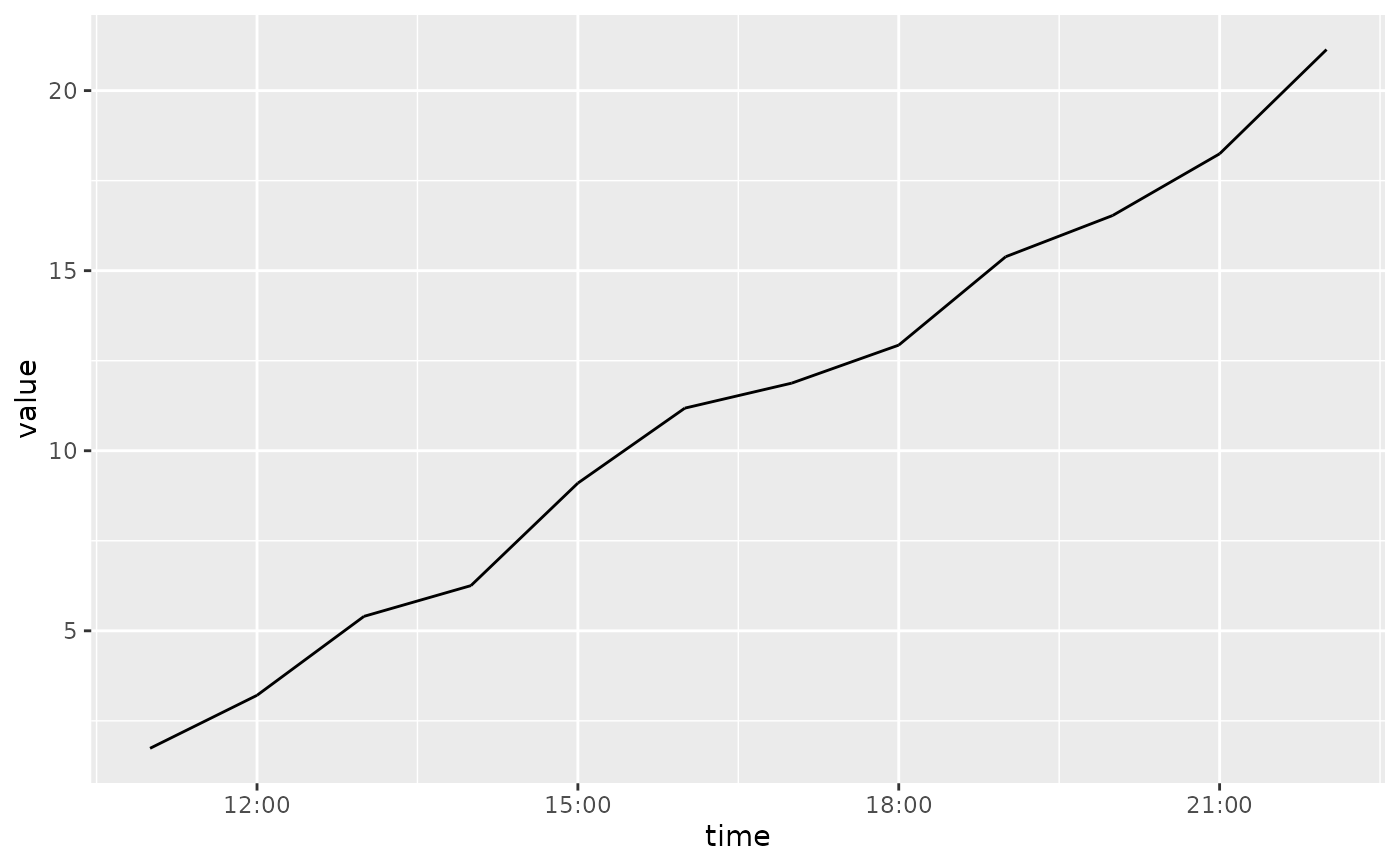
[x/y]timeoffset aesthetics. Changes in time offsets are drawn using dashed lines,
which are most commonly used for timezone changes and daylight savings time transitions.
Timezone offsets are automatically used when times from the mixtime package are
plotted in local time, which is the scale's default behaviour (see the time_chronon
argument of scale_x_mixtime()).
This geometry also respects implicit missing values in regular time series, and will not connect temporal observations separated by gaps.
The ggplot2::group aesthetic determines which cases are connected together.
Arguments
- mapping
Set of aesthetic mappings created by
aes(). If specified andinherit.aes = TRUE(the default), it is combined with the default mapping at the top level of the plot. You must supplymappingif there is no plot mapping.- data
The data to be displayed in this layer. There are three options:
If
NULL, the default, the data is inherited from the plot data as specified in the call toggplot().A
data.frame, or other object, will override the plot data. All objects will be fortified to produce a data frame. Seefortify()for which variables will be created.A
functionwill be called with a single argument, the plot data. The return value must be adata.frame, and will be used as the layer data. Afunctioncan be created from aformula(e.g.~ head(.x, 10)).- stat
The statistical transformation to use on the data for this layer. When using a
geom_*()function to construct a layer, thestatargument can be used to override the default coupling between geoms and stats. Thestatargument accepts the following:A
Statggproto subclass, for exampleStatCount.A string naming the stat. To give the stat as a string, strip the function name of the
stat_prefix. For example, to usestat_count(), give the stat as"count".For more information and other ways to specify the stat, see the layer stat documentation.
- position
A position adjustment to use on the data for this layer. This can be used in various ways, including to prevent overplotting and improving the display. The
positionargument accepts the following:The result of calling a position function, such as
position_jitter(). This method allows for passing extra arguments to the position.A string naming the position adjustment. To give the position as a string, strip the function name of the
position_prefix. For example, to useposition_jitter(), give the position as"jitter".For more information and other ways to specify the position, see the layer position documentation.
- na.rm
If
FALSE, the default, missing values are removed with a warning. IfTRUE, missing values are silently removed.- orientation
Which positional axis (
"x"or"y") carries the time variable that observations are connected in order of. The default (NA) determines this automatically: whichever ofx/yis time-valued (amixtimeorPOSIXct), preferringxif both (or neither) are.- show.legend
logical. Should this layer be included in the legends?
NA, the default, includes if any aesthetics are mapped.FALSEnever includes, andTRUEalways includes. It can also be a named logical vector to finely select the aesthetics to display. To include legend keys for all levels, even when no data exists, useTRUE. IfNA, all levels are shown in legend, but unobserved levels are omitted.- inherit.aes
If
FALSE, overrides the default aesthetics, rather than combining with them. This is most useful for helper functions that define both data and aesthetics and shouldn't inherit behaviour from the default plot specification, e.g.annotation_borders().- transitions
A
data.frameof known time offset transitions, shaped likemixtime::tz_transitions()'s own output (timea time point, andoffset_before/offset_aftermixtime::duration()s), with an optionalidcolumn to scope rows to a specific series (matched against thextimeidaesthetic; applied to every series when omitted). Defaults towaiver(), which automatically callsmixtime::tz_transitions()for every timezone present in the data. See the "Time transitions" section below.- transition_aesthetics
A named
listof aesthetics for the segment drawn for timetransitions, specifying how it is styled differently to the rest of the line. Defaults tolist(linetype = 2), drawing transitions with dashed lines. Valid aesthetics arecolour/color,linewidth,linetypeandalpha.- ...
Other arguments passed on to
layer()'sparamsargument. These arguments broadly fall into one of 4 categories below. Notably, further arguments to thepositionargument, or aesthetics that are required can not be passed through.... Unknown arguments that are not part of the 4 categories below are ignored.Static aesthetics that are not mapped to a scale, but are at a fixed value and apply to the layer as a whole. For example,
colour = "red"orlinewidth = 3. The geom's documentation has an Aesthetics section that lists the available options. The 'required' aesthetics cannot be passed on to theparams. Please note that while passing unmapped aesthetics as vectors is technically possible, the order and required length is not guaranteed to be parallel to the input data.When constructing a layer using a
stat_*()function, the...argument can be used to pass on parameters to thegeompart of the layer. An example of this isstat_density(geom = "area", outline.type = "both"). The geom's documentation lists which parameters it can accept.Inversely, when constructing a layer using a
geom_*()function, the...argument can be used to pass on parameters to thestatpart of the layer. An example of this isgeom_area(stat = "density", adjust = 0.5). The stat's documentation lists which parameters it can accept.The
key_glyphargument oflayer()may also be passed on through.... This can be one of the functions described as key glyphs, to change the display of the layer in the legend.
Practical usage
The geom_time_line() geometry extends ggplot2::geom_line() with time
semantics that ensure the line's slope accurately reflects rates of change in
the measurements over time.
Most notably, geom_time_line() works closely with the time scale
(scale_x_mixtime()) to correctly display time in local
and absolute time formats. Local time (the scale's default whenever all
time points share a timezone) shows time as experienced in that timezone, it
is the time on clocks in that timezone. Absolute time shows time as a
continuous timeline without timezone adjustments. Which of these is shown is
controlled by the scale's time_chronon: a chronon with tz = NA combines
time points by their local wall-clock reading (local time), while a chronon
with a fixed timezone (such as UTC, the default when a common chronon must
be identified across timezones) aligns them by the instant they occurred
(absolute time).
When time series are visualised in local time, timezone offset changes (e.g. due to daylight saving time) cause 'jumps' in time which are indicated with dashed lines. This preserves the integrity of the line's slope across these transitions. Another benefit of visualising time series in local time is to compare time series across different timezones, as the time axis is better aligned with human behaviour in their local timezone (e.g. working hours, sleep patterns, etc). Plotting time series in absolute time shows the exact contemporaneous timing of events across multiple timezones, which is useful when resources or patterns are shared across timezones (e.g. international markets, server load balancing, etc).
This geometry also maintains semantically valid slopes when time values are
missing (either implicitly or explicitly), or duplicated. Implicit missing
values in regular time series are semantically equivalent to explicit missing
values, and geom_time_line() since the slope between unkown values is also
unknown, geom_time_line() will not draw lines connecting missing values of
either type. Since duplicated time values are not semantically valid in
regular time series, geom_time_line() will issue a warning (or an error if
systematic duplicates are detected). When drawing a line between duplicated
time points, the correct slopes are drawn by connecting all lines that lead
to and from the duplicated time points (rather than drawing sawtooth lines).
Further details about each specific capability are described in the following sections.
Time transitions
When time is displayed locally, daylight savings transitions introduce
discontinuities in the local timeline when the clock jumps forwards or
backwards. geom_time_line() draws these jumps as dashed segments, to
preserve the integrity of the line's slope across the transition. When
the time scale is set to use local time (see the time_chronon argument
of scale_x_mixtime()), the default behaviour (transitions = waiver())
sources daylight savings transitions automatically with
mixtime::tz_transitions().
The appearance of transition segments is controlled with
transition_aesthetics, a named list of aesthetic overrides (colour,
linewidth, linetype and/or alpha). The default is a dashed line.
Offset changes aren't always timezone related. A sensor may be periodically
synchronized to adjust for clock drift, or the transitions may reflect an
individual's personal travel through time zones. The local time should be
mapped to the [x/y] positional aesthetics, with the offset from absolute
time mapped to [x/y]timeoffset (a mixtime::duration()). The transitions
argument then specifies the instants at which the offset changes, and the
offset before and after each transition. This is specified as a data.frame
shaped like mixtime::tz_transitions(), with an optional id column to
scope rows to a specific series (matched against the [x/y]timeid
aesthetic).
Missing time values
Explicit missing values are where an NA value is included in the data, but
for regular time series it is also possible to identify implicit missing time
values. Unlike ggplot2::geom_line(), geom_time_line() will also not connect
points separated by implicit missing values, creating gaps in the line (just
like when an explicit missing value is present in ggplot2::geom_line()).
Duplicated time values
If there are duplicated time values within a group, geom_time_line() will
issue a warning. An error will be raised if these duplications are systematic
across the geometry, specifically if more than 50% of time points contain the
same number of duplicates. Systematic duplicates typically indicate a need to
use grouping aesthetics (ggplot2::group, or ggplot2::colour) to
draw separate lines for each time series. Rather than plotting an erroneous
'sawtooth' line which misrepresents the rate of change, the geometry will
draw all lines that connect to and from each of the duplicated time values.
See also
scale_mixtime for defining local and absolute time using time_chronon.
ggplot2::geom_line()/ggplot2::geom_path() for standard line/path geoms in ggplot2.
Aesthetics
geom_time_line() understands the following aesthetics. Required aesthetics are displayed in bold and defaults are displayed for optional aesthetics:
| • | x | |
| • | y | |
| • | alpha | → NA |
| • | colour | → via theme() |
| • | group | → inferred |
| • | linetype | → via theme() |
| • | linewidth | → via theme() |
| • | xtimeid | |
| • | xtimeoffset | |
| • | ytimeid | |
| • | ytimeoffset |
Learn more about setting these aesthetics in vignette("ggplot2-specs").
Examples
library(ggplot2)
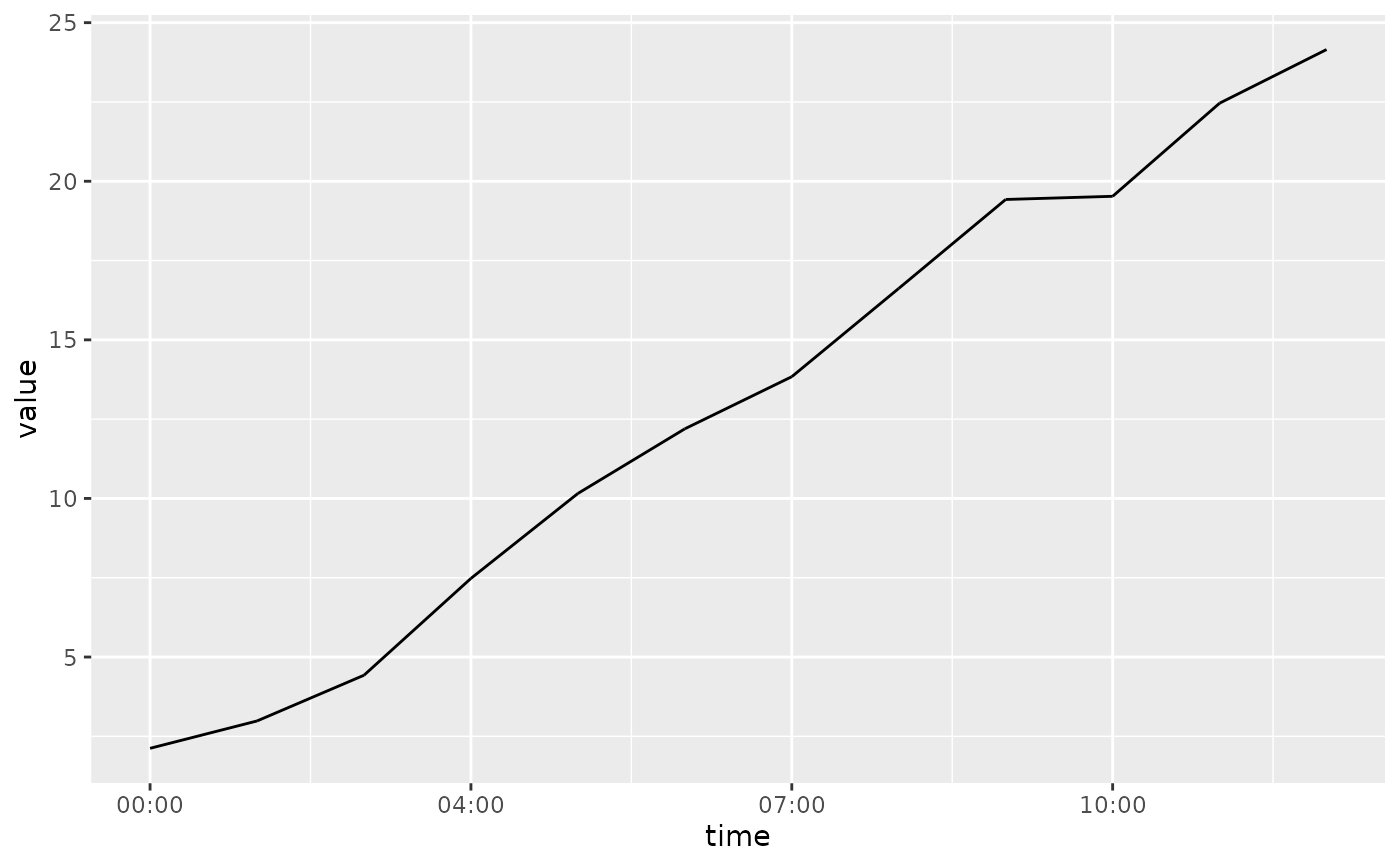
# Basic time line plot of a random walk (no timezone changes)
df_ts <- data.frame(
time = as.POSIXct("2023-03-11", tz = "Australia/Melbourne") + 0:11 * 3600,
value = cumsum(rnorm(12, 2))
)
ggplot(df_ts, aes(time, value)) +
geom_time_line()
 # Random walk with a backward timezone change (DST ends)
df_tz_back <- data.frame(
time = as.POSIXct("2023-04-02", tz = "Australia/Melbourne") + 0:11 * 3600,
value = cumsum(rnorm(12, 2))
)
# Naive/local time (`tz = NA`) shows the DST transition as a dashed jump
ggplot(df_tz_back, aes(time, value)) +
geom_time_line() +
scale_x_mixtime(time_chronon = mixtime::cal_gregorian$hour(1L, tz = NA))
# Random walk with a backward timezone change (DST ends)
df_tz_back <- data.frame(
time = as.POSIXct("2023-04-02", tz = "Australia/Melbourne") + 0:11 * 3600,
value = cumsum(rnorm(12, 2))
)
# Naive/local time (`tz = NA`) shows the DST transition as a dashed jump
ggplot(df_tz_back, aes(time, value)) +
geom_time_line() +
scale_x_mixtime(time_chronon = mixtime::cal_gregorian$hour(1L, tz = NA))
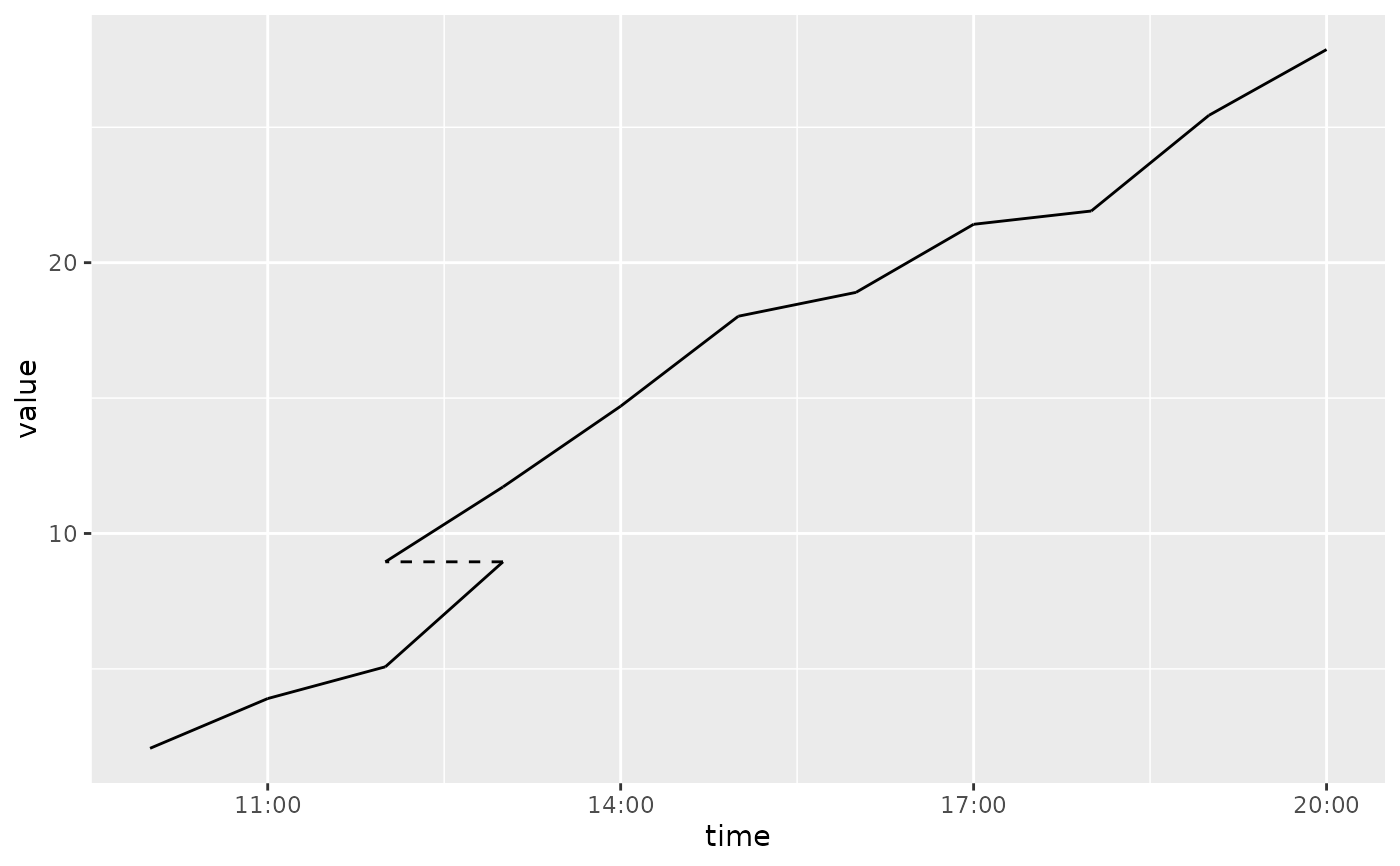 # Absolute time aligns to a single fixed timezone, removing the jump
ggplot(df_tz_back, aes(time, value)) +
geom_time_line() +
scale_x_mixtime(time_chronon = mixtime::cal_gregorian$hour(1L, tz = "UTC"))
# Absolute time aligns to a single fixed timezone, removing the jump
ggplot(df_tz_back, aes(time, value)) +
geom_time_line() +
scale_x_mixtime(time_chronon = mixtime::cal_gregorian$hour(1L, tz = "UTC"))
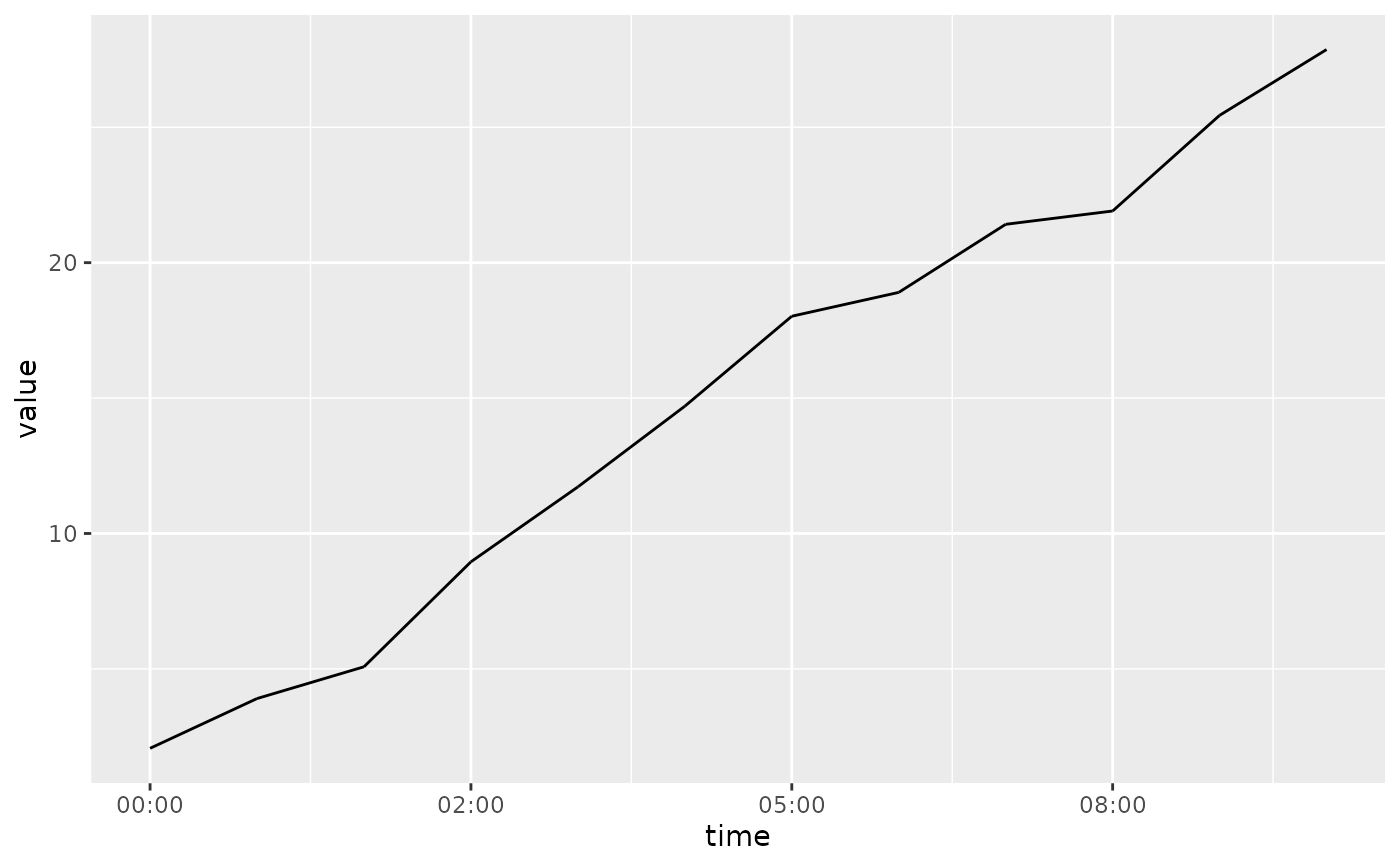 # Random walk with a forward timezone change (DST starts)
df_tz_forward <- data.frame(
time = as.POSIXct("2023-10-01", tz = "Australia/Melbourne") + 0:11 * 3600,
value = cumsum(rnorm(12, 2))
)
ggplot(df_tz_forward, aes(time, value)) +
geom_time_line() +
scale_x_mixtime(time_chronon = mixtime::cal_gregorian$hour(1L, tz = NA))
# Random walk with a forward timezone change (DST starts)
df_tz_forward <- data.frame(
time = as.POSIXct("2023-10-01", tz = "Australia/Melbourne") + 0:11 * 3600,
value = cumsum(rnorm(12, 2))
)
ggplot(df_tz_forward, aes(time, value)) +
geom_time_line() +
scale_x_mixtime(time_chronon = mixtime::cal_gregorian$hour(1L, tz = NA))
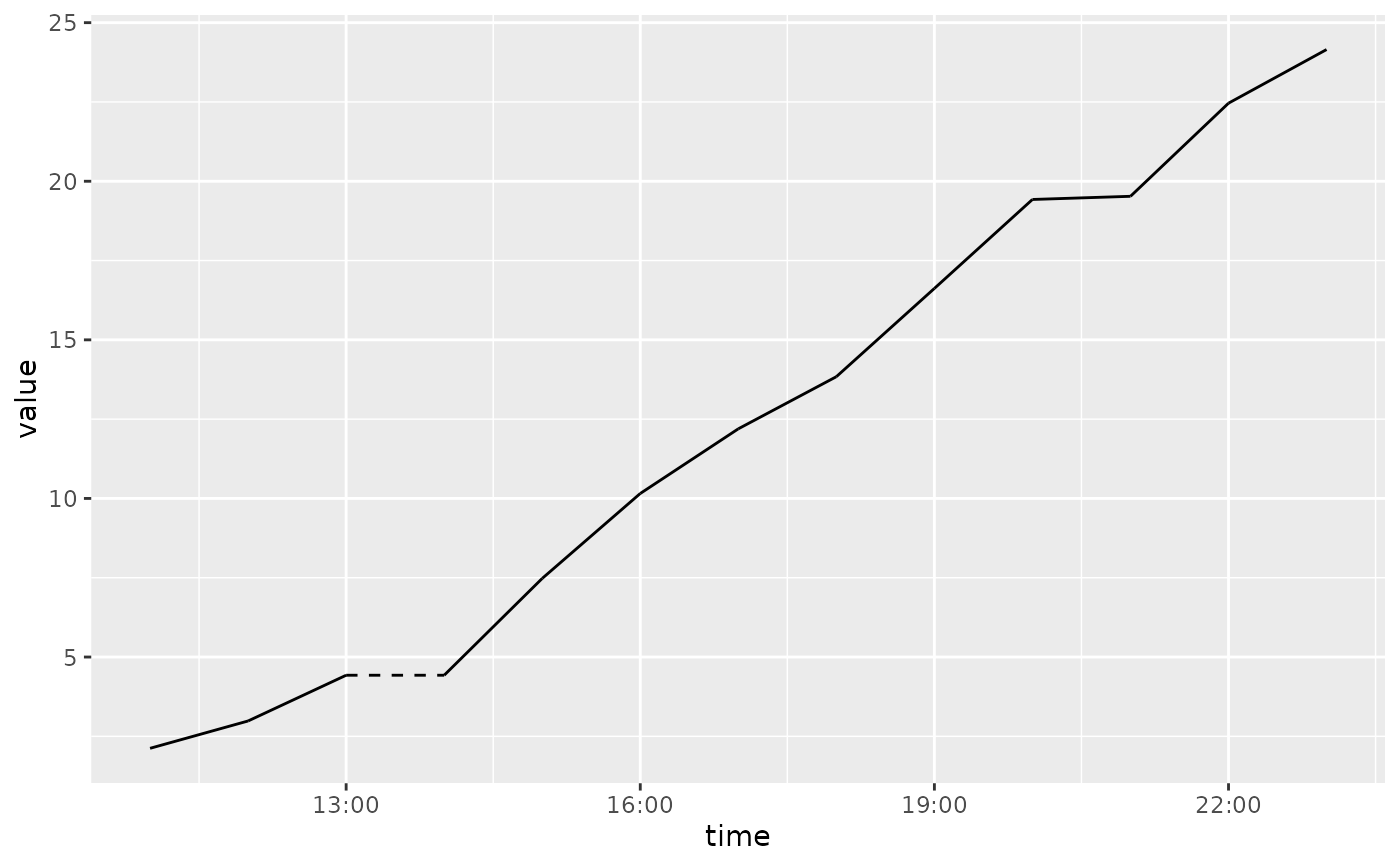 ggplot(df_tz_forward, aes(time, value)) +
geom_time_line() +
scale_x_mixtime(time_chronon = mixtime::cal_gregorian$hour(1L, tz = "UTC"))
ggplot(df_tz_forward, aes(time, value)) +
geom_time_line() +
scale_x_mixtime(time_chronon = mixtime::cal_gregorian$hour(1L, tz = "UTC"))